

Business Online Banking
Rockland Trust Business Online Banking will provide you with convenient features tailored to your business banking needs. View account transactions, pay bills, transfer funds, make expedited payments, approve transactions from your mobile device, and more. View our Online Banking Demo to experience the benefits of online banking.
Frequently asked questions from our users.
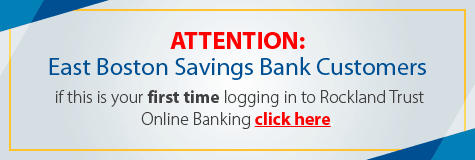
First time Iogin instructions.
Learn more about Secure Access Codes.
QuickBooks conversion instructions.
Business Online Banking Features:
- Pay Bills. Make same day payments, set up recurring online payments, and more. Click here to learn more about bill pay.
- Send Money Online. Send money to anyone with our Send Money service
regardless of the recipient's financial institution, using an e-mail address or mobile phone number.
- Customized alerts. Set up alerts such as notifications of wire transfers, balance notifications, transaction alerts, and more. Choose email or text delivery. Alerts are free and convenient.
- User security. More control over who in your company has access to account information and activity. You can assign rights so your employees can review account information, make transfers, stop payments, or simply pay bills.
- Mobile authorization. Keep your business running smoothly when you're away from the office. Approve account transactions such as wire transfers, payroll, and more, right from your phone.
- Mobile banking. View business account transactions, make transfers, pay bills, set up mobile alerts, from your iPhone® or AndroidTM mobile device. Click here to learn more about mobile banking.
For more information on online banking and how it can help manage your business finances online, view our Online Banking User Guide.
View our Online Banking Agreement